27 digital badge templates
These are the 27 templates in the Incredify badge maker, grouped by shape into six groups. Pick one to open it in the badge maker. On a screen 768 pixels or wider, you can edit its words, colors and fonts, add icons or a logo, and download a PNG or SVG. On a phone, a simpler badge maker changes its words and colors, adds a logo and downloads a PNG. The words, names and years on each template are sample text for you to replace. No account is needed.
Circles and seals
Eight round badges: seals, rings and a split circle. Their words cover certification, achievement, honors, department and research badges, plus a tech skill, a skill credential and a summer institute. You can edit the words and colors on each, and add icons or a logo.

Gold Seal
Open in the badge maker: Gold Seal
Minimal Line Seal
Open in the badge maker: Minimal Line Seal
Bold Flat Seal
Open in the badge maker: Bold Flat Seal
Honors / Dean's List
Open in the badge maker: Honors / Dean's List
Department Seal
Open in the badge maker: Department Seal
Research / Lab
Open in the badge maker: Research / Lab
Neon Tech
Open in the badge maker: Neon Tech
Split Circle
Open in the badge maker: Split Circle
Shields, crests and arches
Four badges with a shield, crest or arch outline. Their words cover a professional certification, a dean's award, a scholar honor society and a certificate of completion. You can edit the words and colors on each, and add icons or a logo.
Certified — Ribbon Shield
Open in the badge maker: Certified — Ribbon Shield
Dual-Panel Shield
Open in the badge maker: Dual-Panel Shield
Honor Pennant
Open in the badge maker: Honor Pennant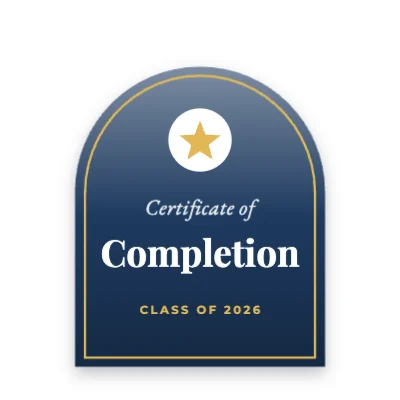
Arch Certificate
Open in the badge maker: Arch Certificate
Hexagons
Three hexagon badges. Their words cover two certifications, one with a credential name and one with a skill name, and a micro-credential with a skill name and a level. You can edit the words and colors on each, and add icons or a logo.
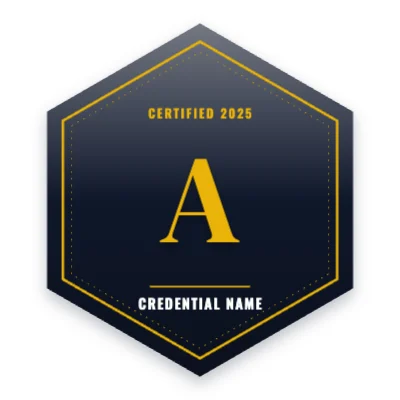
Hexagon Monogram
Open in the badge maker: Hexagon Monogram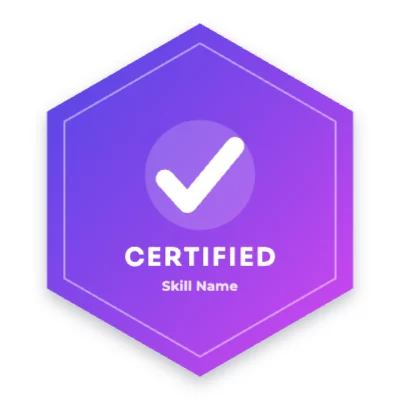
Modern Hexagon
Open in the badge maker: Modern Hexagon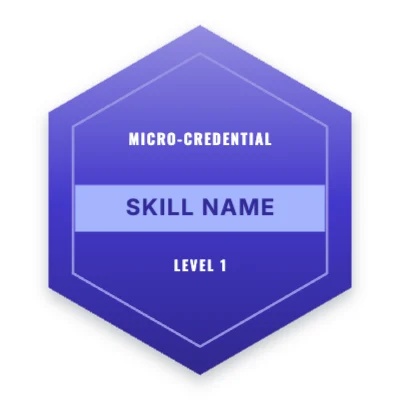
Micro-credential
Open in the badge maker: Micro-credential
Pentagons, octagons and diamonds
A pentagon, an octagon and a diamond. Their words cover a workplace skills program, an award of merit and a numbered level marked Advanced. You can edit the words and colors on each, and add icons or a logo.
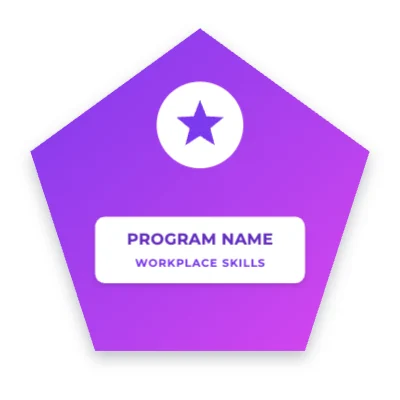
Modern Pentagon
Open in the badge maker: Modern Pentagon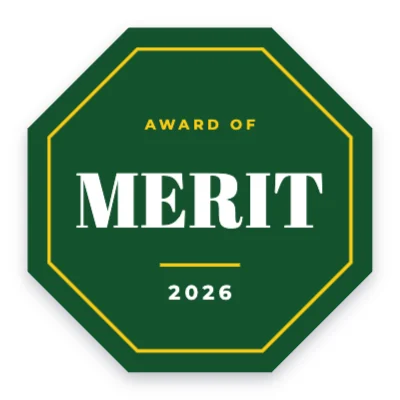
Octagon Stamp
Open in the badge maker: Octagon Stamp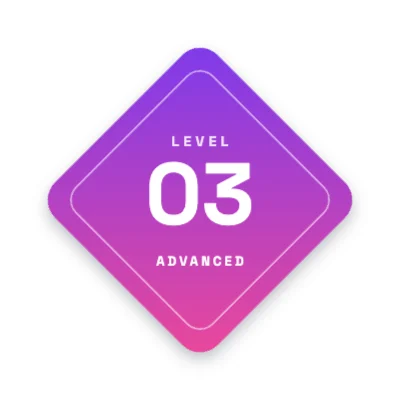
Diamond Level
Open in the badge maker: Diamond Level
Tiles, cards and tags
Six badges shaped as cards, tiles, a capsule and a ticket. Their words cover course completion, a professional program, a level, continuing education, a verified skill and a conference speaker. You can edit the words and colors on each, and add icons or a logo.
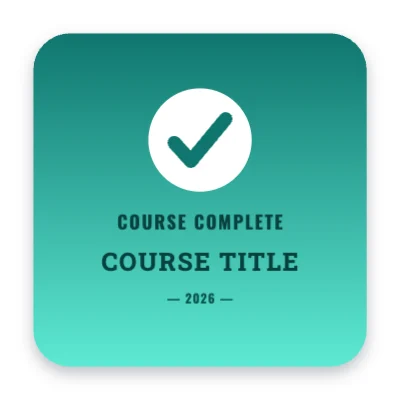
Course Completion
Open in the badge maker: Course Completion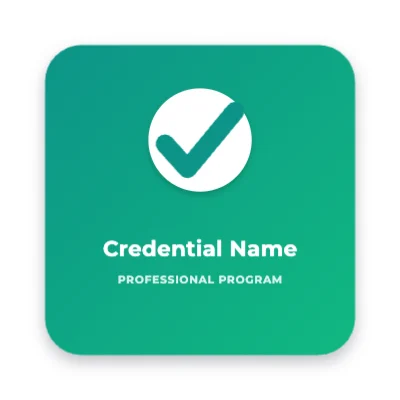
App Tile
Open in the badge maker: App Tile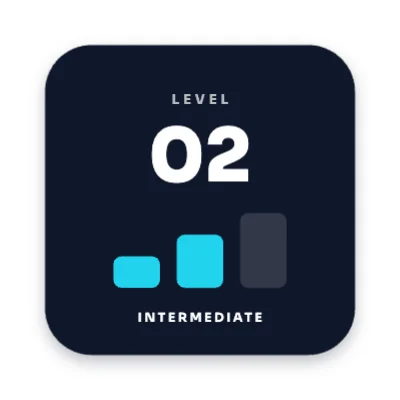
Level Stack
Open in the badge maker: Level Stack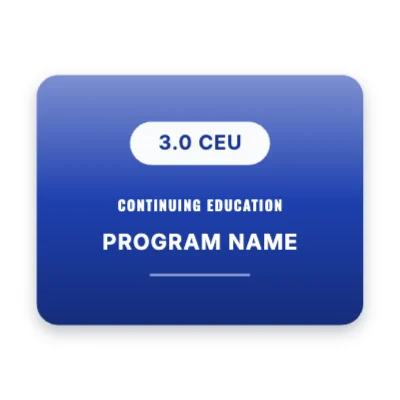
Continuing Education
Open in the badge maker: Continuing Education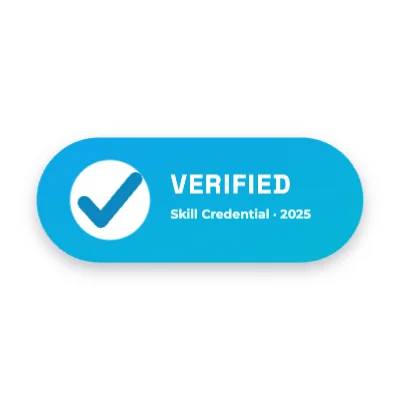
Pill Tag
Open in the badge maker: Pill Tag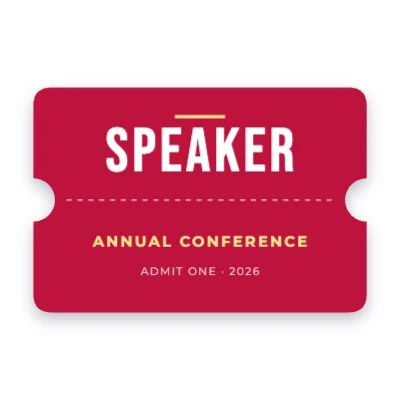
Event Ticket
Open in the badge maker: Event Ticket
Rosettes, bursts and ribbons
Three badges with a ribbon medal, a rosette or a starburst. Their words cover a named award, a membership and a star performer. You can edit the words and colors on each, and add icons or a logo.
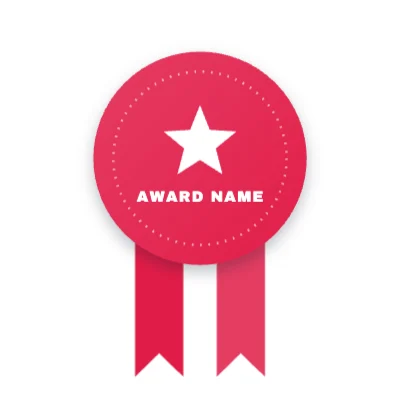
Award Ribbon
Open in the badge maker: Award Ribbon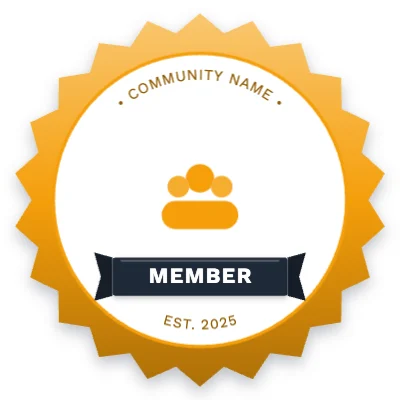
Member Rosette
Open in the badge maker: Member Rosette
Starburst
Open in the badge maker: Starburst
Start from a blank canvas instead
On a computer, the badge maker also starts from a blank canvas or one of six base shapes. You do not need an account to design a badge or download it.